During an AI video analytics demo, the same question always ends up coming, whether from the IT manager or from the store manager themselves: where do the images go? Many people imagine a continuous stream sent to a distant server over the store's connection. In reality, everything hinges on an architecture decision made well before the first setting is configured: local video analysis, on a GPU in the store, using the main stream of the existing cameras.
We won't revisit image quality itself here. Instead, we'll follow the path of the data, from the camera lens to the manager's screen: what stays on site, what leaves, and what this choice changes in very concrete terms, for the speed of alerts as well as for the store's network and control over its data.
A video stream is heavy, and a large store has dozens of them
An IP camera generally produces at least two streams. The main stream (the mainstream) is high resolution. The secondary stream (the substream), which is lighter, is used mainly for mosaic display and remote viewing. To spot a fine gesture, such as a product slipped into a pocket or an opened package in an aisle, the main stream is what counts: on the secondary stream, a hand is only a few pixels. We covered this point in our article on analysing the main stream in store.
The problem then becomes one of arithmetic. Continuously sending the main stream of twenty or thirty cameras to a remote server requires a high, permanent upload bandwidth, which many store connections cannot guarantee. And they already share that line with payment terminals, checkouts, messaging and sometimes customer wifi. On a summer sales Saturday, when the card terminals are running non-stop, nobody wants to see it saturated.
This limit is nothing new. In its study on the use of video technologies in retail, published in 2020 and based on interviews with 22 European and American retailers, the ECR Retail Loss group had already noted that several participants were concerned about the effect of bandwidth and computing power on their use of video analytics.
Why the computing is done as close to the cameras as possible
Rather than moving the images around, you move the computation: this is the principle of edge computing. The EuroShop trade fair summarises it in a feature on edge computing in retail: only useful data goes up to the cloud, the network is relieved and reaction can happen in real time. For video, one possible form is a dedicated GPU installed in the store, which reads the camera streams and runs the model on site. For the operator, the difference shows up in three places:
- Latency. An alert is only useful if the situation is still unfolding in the aisle when it arrives. With no round trip of the full stream to a data center, the chain between the gesture and the notification is shorter: at Oxania, the video alert arrives in under 10 seconds on a mobile, tablet or computer.
- Resolution. Since the stream doesn't cross the Internet, there's no need to degrade it to fit it through the connection. The model works on the high-resolution image, the one that makes it possible to tell a personal bag from a shopping bag, or to see that a product was consumed before reaching the checkout.
- The network. The GPU server is dedicated to the store and installed on site: reading and analysing the camera streams does not consume the bandwidth of the Internet connection. Confirming detections, sending alert clips and notifications, on the other hand, do go through that connection, which must remain available.
What stays in the store, what leaves it
Every IT manager eventually asks the question, and a slogan is not enough to answer it. In the architecture chosen by Oxania, camera images follow three clearly distinct paths:
- What stays on site: the continuous, high-resolution video stream from the cameras. The store's GPU reads and analyses it, and this stream goes no further. The recordings of your existing video system remain, as before, under the operator's responsibility.
- What leaves for confirmation: when an at-risk gesture is spotted, a compact digital description of the detection is sent to be confirmed. It is not video, and its size is nothing like that of the images.
- What leaves and is stored: the video clip linked to the alert, and nothing else. It is stored on servers located as close as possible to the customer's country, for speed of access as well as compliance with local rules.
The sorting is therefore done at the source. Out of hours of video, only the clips linked to alerts leave the store: those that justify a team member taking a look. These are the same clips you find in the alert, with an automatic progressive zoom on the point of interest. The person who receives it understands the scene at a glance and decides what to do next.
Local doesn't mean cut off from the world
It is still important to be clear about what local inference covers. Detection happens in the store, on a dedicated GPU, but the site remains connected to the cloud: it needs a connection to have detections confirmed, send alert clips and deliver notifications to the team's devices. What changes is what circulates: a few messages and short clips, instead of dozens of continuous streams. A vendor claiming otherwise while sending alerts to your phone deserves one more question.
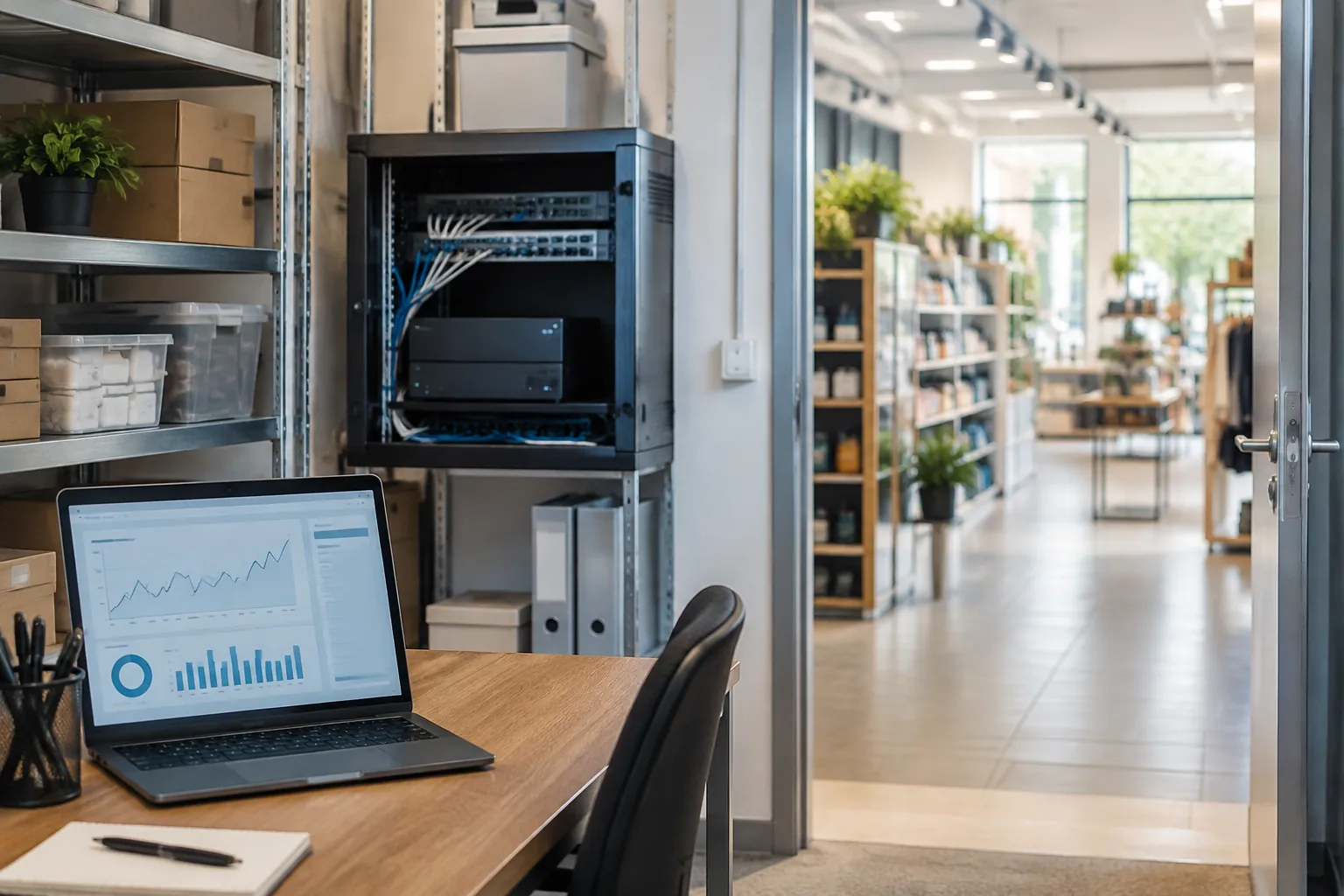
Another point often overlooked: the GPU server is a very real machine. It needs a place to sit, power, ventilation and a clean connection to the cameras. This is the integrator's job, and the result depends not only on the quality of the model, as we explained about the role of integrators in the effectiveness of AI cameras. With a network of certified integrators, installation on existing cameras generally takes less than a day.
Five questions to ask before signing
For a single point of sale as for an entire network, these five points make it possible to quickly judge the robustness of a video analytics architecture:
- The stream analyzed: the main one, in high resolution, or the secondary one.
- Where the model runs, and whether the machine is truly dedicated to your store.
- What exactly leaves the site, and when.
- Where the alert clips are stored: in which country, and for how long.
- What happens when the store's connection is cut or degraded.
Expect concrete answers. A well-designed architecture can be described in a few sentences, without jargon. A vendor who can't do this often doesn't have a clear map of their own data flows. And if your camera fleet is a few years old, our guide to choosing the right in-store camera helps you check that they provide a usable main stream.
An architecture that also builds trust
Keeping the stream on site is not just a matter of bandwidth. It also means limiting what circulates to the strict minimum, and leaving the data under the retailer's control. The OECD principles on the robustness, safety and security of AI recommend that AI systems remain safe, secure and able to function appropriately throughout their lifecycle, and that mechanisms exist to override, repair or safely decommission them if they risk causing undue harm.
In store, it comes down to this: the technology detects, the team decides. The AI analyzes gestures, not people, and does not follow anyone from one camera to another. When viewing the clip, it is a human who chooses whether to go to the aisle, offer help or do nothing.
There is nothing spectacular about all this: just computation done in the right place and video that only travels when it is useful. Yet this is what delivers fast, accurate alerts and better-controlled shrinkage. Before comparing features, ask to see the data flow map: it often says more than a sales brochure.