In most stores, cameras were installed to review footage after an incident: a recorder in the technical room, domes on the ceiling, angles chosen to cover as much floor area as possible. Plugging AI video analysis into this existing setup means working with an existing network, angles designed for a different purpose, and a team that is about to receive alerts for the first time. The day of installation matters relatively little. A project that holds up is decided before, during the audit, and afterwards, over the first few weeks of fine-tuning.
Here is the real timeline of a deployment, from the systems integrator's first visit to the point where alerts become part of the store's routine.
Before the audit: defining what you want to cover
The first question is often how many cameras can be connected. It is better to start by knowing which zones concentrate losses, and at what times. That is also what makes the investment worthwhile: in its 2026 study conducted with the Loss Prevention Research Council, the National Retail Federation observes a 12.4% decline in shoplifting incidents in 2025 among the retailers surveyed, and attributes it to investments in technology and in team training. But those investments still need to target the right aisles: all the more reason not to arrive at the audit empty-handed.
Before the integrator's visit, gather:
- The most affected product families, drawn from inventories and stock discrepancies over the past few months.
- An up-to-date plan of the sales floor area, showing sensitive aisles, the checkout area and the exits.
- The time slots your team knows to be tricky: opening, lunch break, end of day, delivery days.
These elements will then serve as a baseline for measuring the project's effects. If you are not yet tracking any indicators, take the opportunity to choose the right shrinkage KPIs: without a starting point, no comparison is possible.
The preliminary audit with the integrator: what gets checked
The audit takes place on site, with the integrator who will install the system and then provide follow-up. Their role goes well beyond installing hardware, as we explain in our article on the role of integrators in the effectiveness of AI cameras. During the visit, they check:
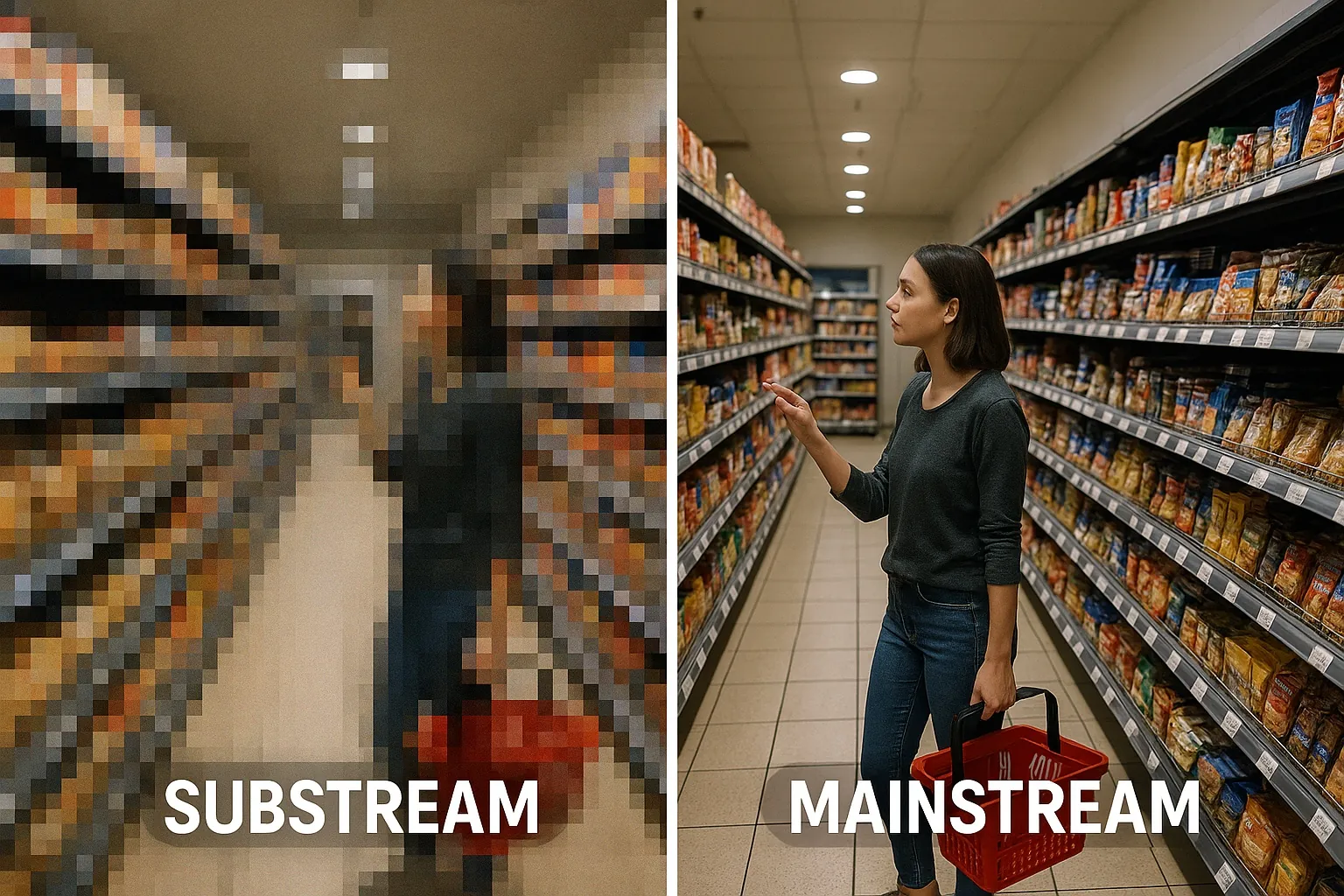
- The camera fleet: model, resolution, recorder, and above all access to the main stream, not just the low-definition secondary stream.
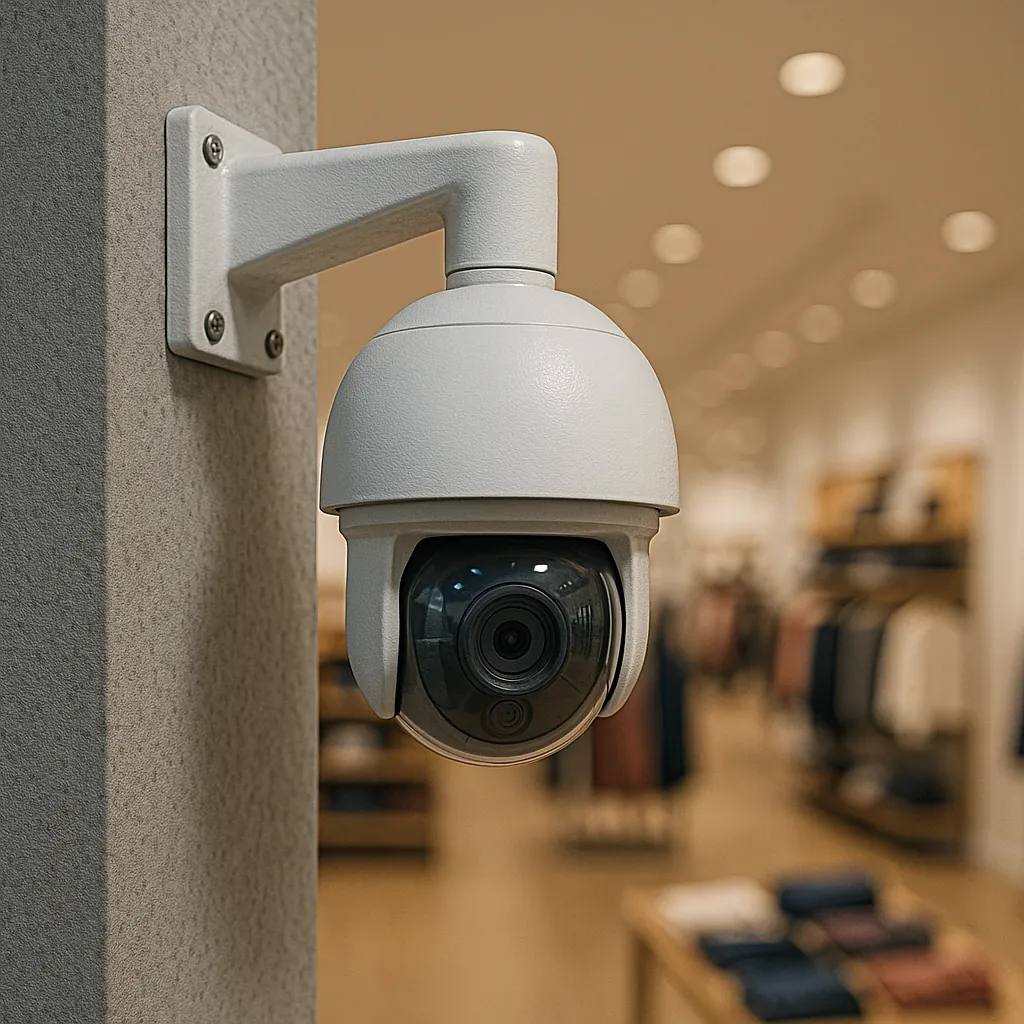
- The viewing angles. A camera installed to review recordings after the fact does not always frame hands and shelving.
- Lighting and obstacles: backlighting at the shop window, hanging POS displays, an end-of-aisle display that blocks an aisle.
- The network and equipment placement: bandwidth between the cameras and the technical room, location of the computing unit, power supply, ventilation.
- The alert recipients: who receives what, on which device, and who takes over in case of absence.
The main stream issue is often underestimated. Many recorders send a lightweight stream by default, good enough to display a mosaic on screen but too poor to distinguish an item slipped into a pocket. Mainstream analysis therefore directly determines the reliability of alerts. In Oxania's video analysis solution, it is this high-resolution stream that is analyzed, on a dedicated GPU installed in the store: detection happens locally, the camera feed stays on site, and only clips linked to an alert are kept, on servers located as close as possible to the customer's country.
At the end of the visit, ask for a written report listing the selected cameras, the planned adjustments and the priority zones. This document will be the reference on installation day.
Installation day: little work, many decisions
When the audit has been done well, installation is short: generally less than a day, without closing the store. The integrator connects the computing unit, links the streams and adjusts the cameras identified during the audit. The rest of the time is spent with the store manager, to:
- check on each image that the camera properly frames the priority zone selected during the audit (an aisle, an exit, the back of an aisle);
- create user accounts and choose the devices that will receive alerts: mobile, tablet, security desk computer;
- send a few test alerts, to make sure everyone receives them and knows how to open them.
Take the opportunity to check that the information provided to customers and employees about the video system is up to date. This is the operator's responsibility, as with cameras already in place, and it is much easier to sort out before commissioning than after.
The first two weeks: learning to read alerts
The first alerts arrive quickly. This is often when the team buys into the project, or drops out. A video alert is not a verdict: it is a clip of a few seconds showing an at-risk gesture, for example an item placed in a personal bag, a package opened in an aisle, a drink started before the checkout. The technology detects, the team decides what happens next: watch the clip, walk down the aisle to offer help, or do nothing.
During this period, a few habits save a lot of time:
- Qualify each alert: relevant, not relevant, to review. Without this feedback, it is impossible to know which angles or zones are causing problems.
- Keep a short log of alerts deemed useless, noting the camera, the time and the cause: a reflection, an employee stocking shelves, a customer putting away their own belongings.
- Schedule a fifteen-minute check-in each week between the store manager and the person who receives the most alerts.
The real danger of this phase is fatigue. A team drowning in pointless alerts ends up no longer opening them, including the ones that mattered. The following weeks are precisely meant to prevent this.
Weeks 3 to 6: fine-tune before expanding
The log from the first two weeks becomes the fine-tuning to-do list, to be handled with the integrator. Most corrections are simple:
- Reframe a camera that also covered a stockroom, a staff passage or a window facing the street.
- Reorient a camera that did not show hands, or deal with backlighting that only appears at certain times, when the sun hits the shop window.
- Review the recipients. The alert must reach someone who can act, not a manager stuck in a meeting at the other end of the store.
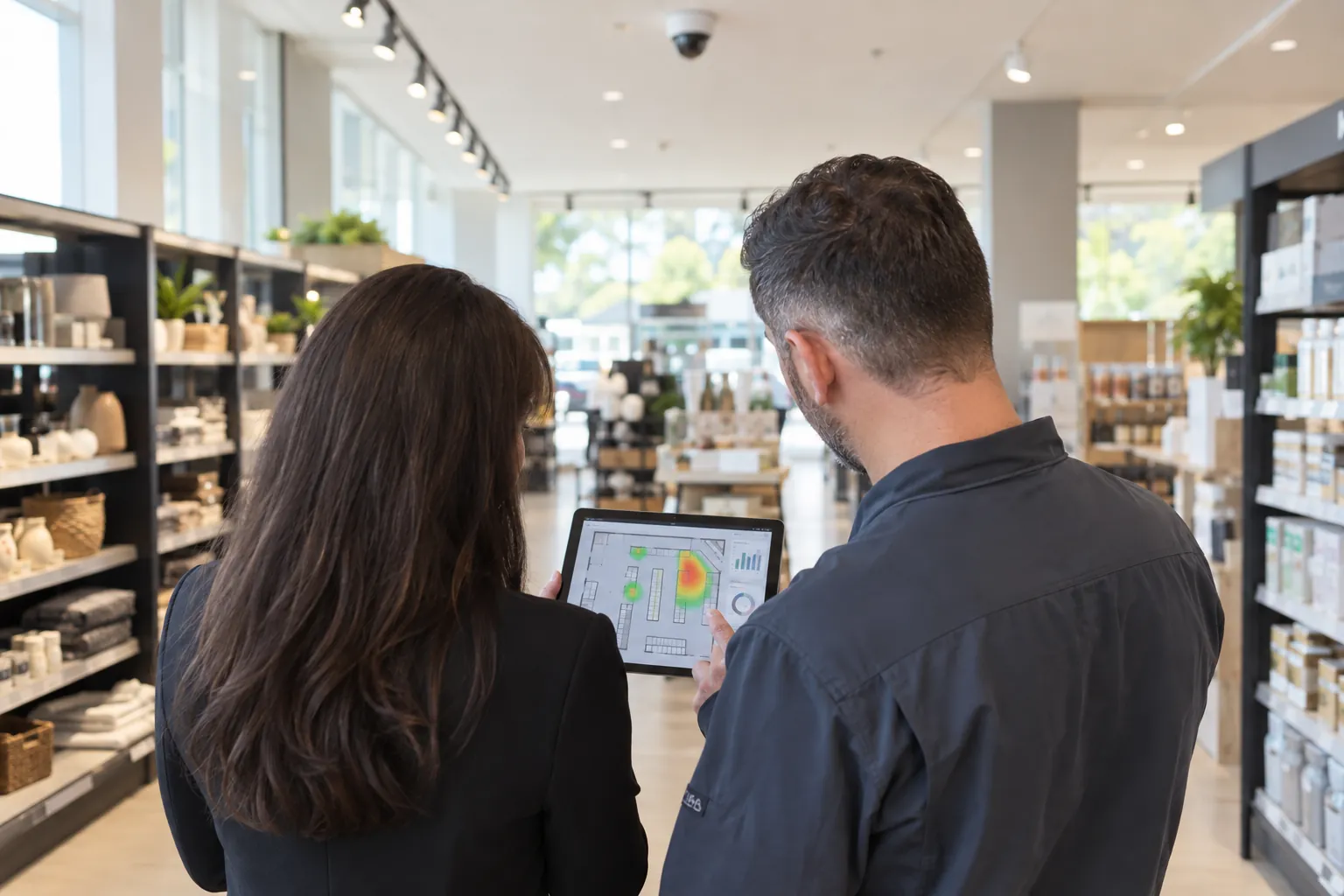
At this stage, the dashboards become readable: counts, heatmaps, statistics by zone and by time slot. You can see whether alerts occur where the team expected them. Sometimes they do not. The aisle reputed to be sensitive turns out to be quiet, and it is a little-visited back corner of the store that concentrates at-risk gestures. An opportunity to move a few products or to rethink the team's presence in the aisle.
A retail chain with several points of sale will be tempted to equip the entire network at once. The Loss Prevention Research Council method, which moves through simulation, testing, deployment in a real store and then measurement of results, argues instead for advancing in stages. A first well-tuned site provides the settings, guidelines and team feedback that will save time on the following ones.
The signs of a successful deployment
When the system has become part of everyday habits, it shows in daily operations:
- alerts are opened quickly, with no need to chase anyone;
- the share of alerts judged irrelevant drops from one week to the next;
- the team can explain what the tool analyses (gestures, not people) and what they do when an alert comes in;
- store meetings start from statistics by zone and by time slot, rather than from everyone's impressions.
The reduction in shrinkage, however, shows over several inventories, not within a few weeks: hence the value of setting a baseline for comparison from the start. Day to day, the routine is the same for the thousands of Oxania users across four continents. A video alert arrives in under 10 seconds, and a person in the store decides what to do about it.