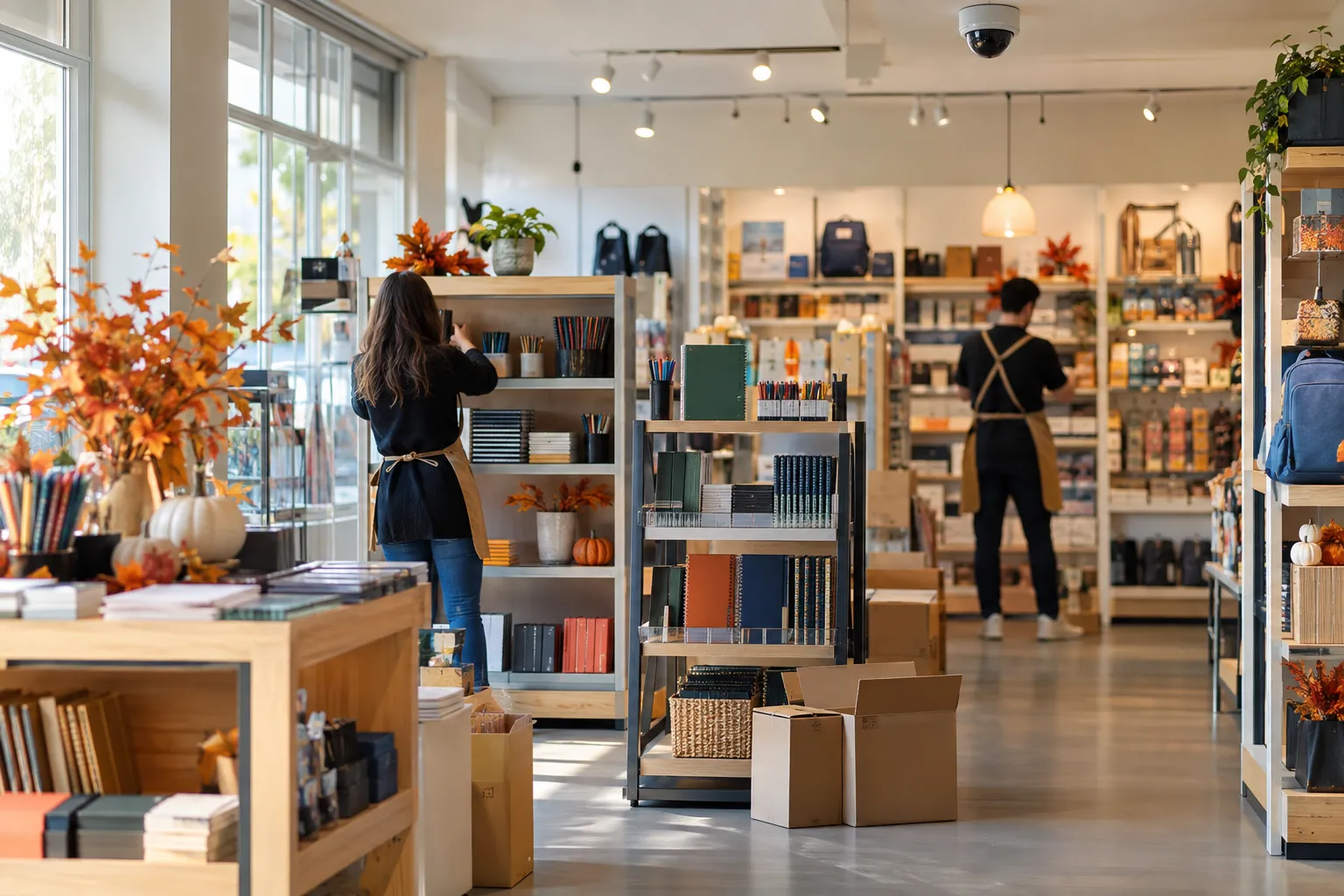
A few nights in September are often all it takes: once the back-to-school rush is over, the school supplies aisle is dismantled to make way for autumn products, the end caps are rebuilt, and the displays delivered by the brands are assembled. A back-to-school reset sometimes affects a large part of the sales floor area. By morning, the merchandising plan has been followed, the labels are in place and the aisle looks great. But nobody has gone to check what the cameras are now filming.
A camera mounted on the ceiling does not follow the aisle when it moves. The perfect angle from June may, in September, frame the back of a banner or the top of a stack of boxes. For the person watching the screen, it is annoying. For AI video analysis that must spot at-risk gestures (an item slipped into a bag, an opened package, a product consumed before the checkout), it is often what separates a usable image from a useless one.
Why a store reset changes what the AI can analyse
To read a gesture, the analysis needs a sufficiently lit scene, an angle that shows the hands and the objects, and a clear field of view between the lens and the spot where the customer picks up products. A reset can degrade all of this at once, without anyone having touched a single camera setting.
Loss prevention teams know the issue well. ECR Retail Loss's literature review on risk amplification in stores stresses lines of sight: keep visibility across the sales area, especially over high-risk products, and avoid shelving that is too tall as well as cluttered spaces. What blocks an employee's view also blocks a camera lens, and everything that relies on its images.
Lighting: what the eye corrects and the sensor endures
The eye constantly adapts to differences in light. A sensor much less so. And back-to-school season often disrupts lighting: spotlights added for a promotion, an LED strip built into a display, a redecorated window, not to mention the shortening days.
- Backlighting: a camera facing the entrance or the shop window turns silhouettes into black shapes against a bright background. Without effective backlight compensation, neither hands nor products can be made out any more.
- Glare: a spotlight aimed at the lens, a illuminated display or very shiny packaging saturates part of the image, precisely the part where the item is.
- Shadow zones: an extended back of an aisle or a taller endcap creates dark pockets where digital noise drowns out details.
- Changes throughout the day: an image that is fine at 10 a.m. can become unusable at the end of the day, when daylight fades and artificial lighting takes over.
The image must therefore be assessed during peak hours. A check done in the morning before opening, with an empty store and stable light, is often falsely reassuring.
Camera angles: seeing the hands, not just the aisles
Many cameras were installed to capture aisles from end to end. That is convenient for tracking foot traffic, much less so for reading a gesture. As soon as an aisle changes direction or a gondola is shortened, the spot where customers pick up products moves. The camera still films the aisle, but the action now takes place at the edge of the frame, at a counter-angle or too far away.
A common case: the aisle sits right beneath the camera. The downward angle becomes too steep, so you see heads and shoulders, rarely the hands in front of the body. Conversely, when the sensitive shelf space is at the far end of the aisle, gestures are reduced to just a few pixels. Then there is the grazing angle, that of a camera looking at the aisle from the side: the low shelves disappear as soon as the first customer stops in front of them.
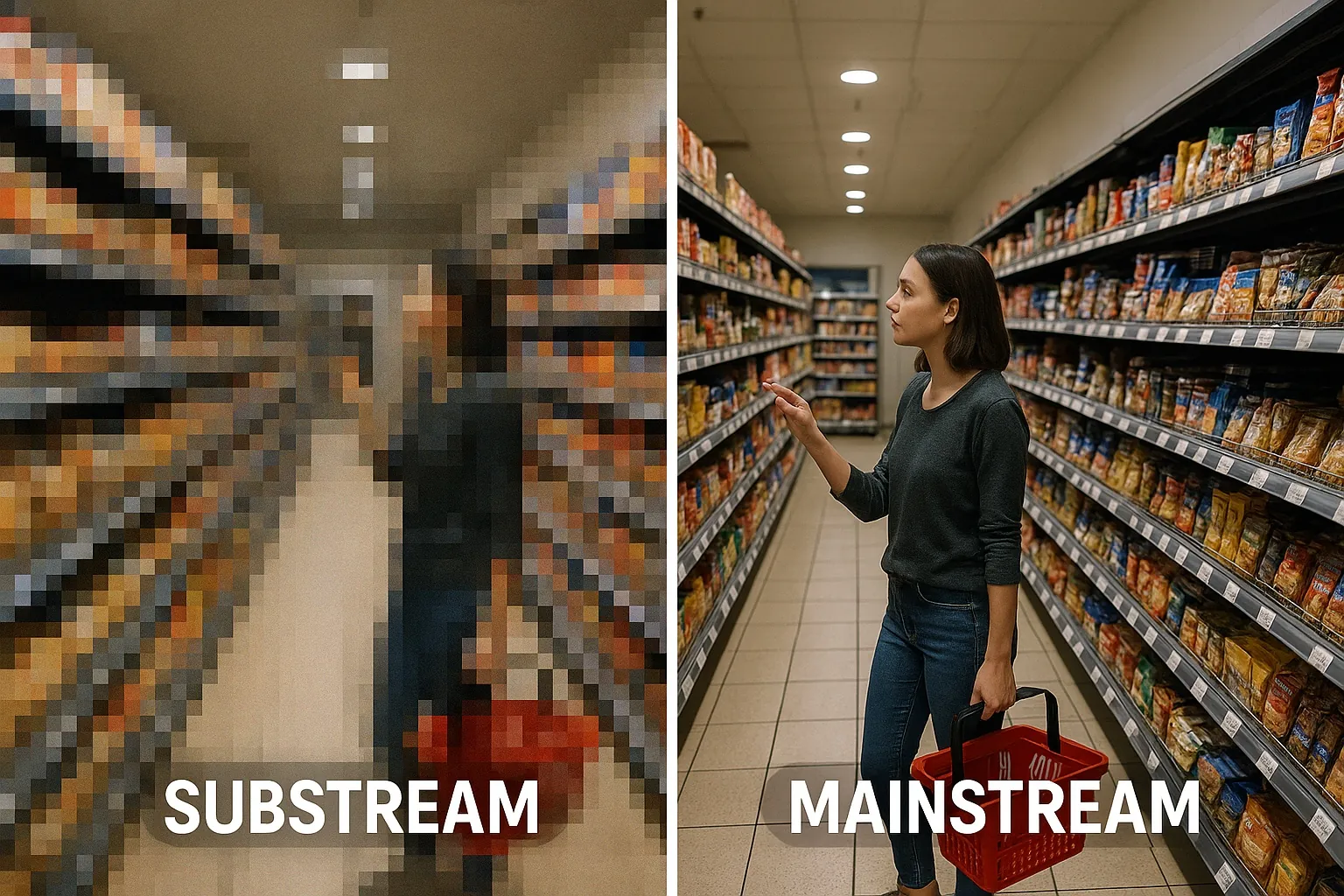
Resolution has a direct impact on the result. An analysis that works on the high-resolution main stream, the mainstream rather than the substream, retains more detail on a distant zone. This is Oxania's approach, with detection running locally on a dedicated GPU installed in the store, and an automatic progressive zoom on the point of interest of each alert. Yet no resolution can recover a hidden product: if the hand is not in the field of view, there is nothing to analyse.
POS displays, endcaps, boxes: the obstacles that appear overnight
Obstacles are a frequent cause of lost visibility, and often the easiest to fix. They arrive with the promotional campaign and rarely leave on time.
- Hanging point-of-sale displays: banners, streamers and price signs hung from the ceiling often land right at camera height.
- Raised endcaps: a brand display taller than the previous one can block the view of the entire aisle behind it.
- Restocking boxes and pallets: left "for a few hours" at the end of an aisle, they sometimes stay there for several days.
- Promotional islands: supply bins and seasonal pallets open up new nooks between two fixtures.
A good layout wears out, too. In its review on risk amplification, ECR Retail Loss cites an experiment published in 1992 in which high-risk products had been moved closer to the checkouts: the initial gain on shrinkage faded over time, as teams, assessed on their sales rather than on shrinkage, abandoned this placement. In its eleven habits of low-shrinkage retailers, the organisation notes that, at these retailers, loss prevention generally has a seat on the cross-functional teams that lead projects such as the design of new stores. A reset, on a smaller scale, deserves the same reflex.
The checklist to follow after every aisle change
There is no need to tie up a team for a whole day. A short routine, repeated at every reset, catches the essentials.
- Keep a reference image: before the work begins, capture the view from each camera concerned, then compare before and after side by side.
- Identify sensitive shelf space: the most exposed products (small valuable items, accessories, back-to-school electronics) must remain in a legible part of the field of view, not just "somewhere in the image".
- Run a gesture test: in front of each reset aisle, a team member picks up a product, handles it, then places it in a basket or bag. Hands and product must remain visible from start to finish.
- Check at several times of day: morning, afternoon and end of day, to spot backlighting, reflections and dark zones.
- Walk the floor for obstacles: whatever blocks a camera gets moved, otherwise it is the camera that gets repositioned.
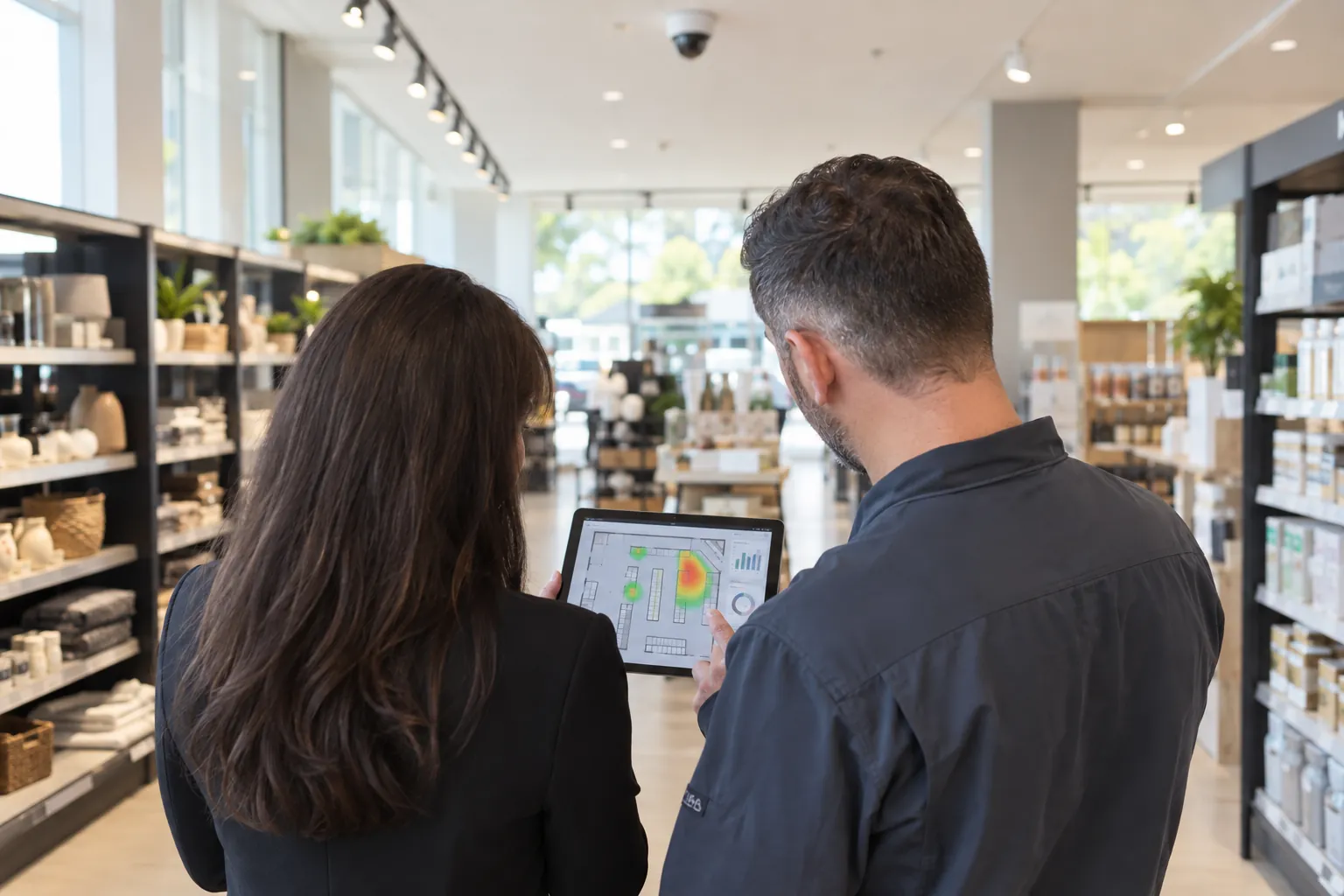
- Track statistics by zone and by time slot: a sharp drop in alerts in a zone right after the reset is not necessarily good news. It sometimes reveals an image that has become unreadable.
- Leave the adjustments to the integrator: repositioning, changing a lens or adding a camera are the installer's job, as they know the camera fleet.
Informing your integrator as soon as the reset plan is finalised saves you from discovering a blind spot three weeks later. Our article on the role of integrators in the effectiveness of AI cameras details this collaboration. If a replacement is needed, the guide to choosing the right in-store camera will help you.
The reliability of an AI system does not depend on its model alone. The OECD principles on artificial intelligence, adopted in 2019 and updated in 2024, list robustness, security and safety among their core values. In store, this robustness is also at stake at ceiling level, between a spotlight, a banner and a pallet. The technology detects, the team decides what happens next, but the image still has to show them something. The simplest approach is to build camera checks into the schedule of every reset, just like labelling. A few minutes per camera help keep the analysis reliable, and keep reducing unknown shrinkage right up to the year-end aisle changes.