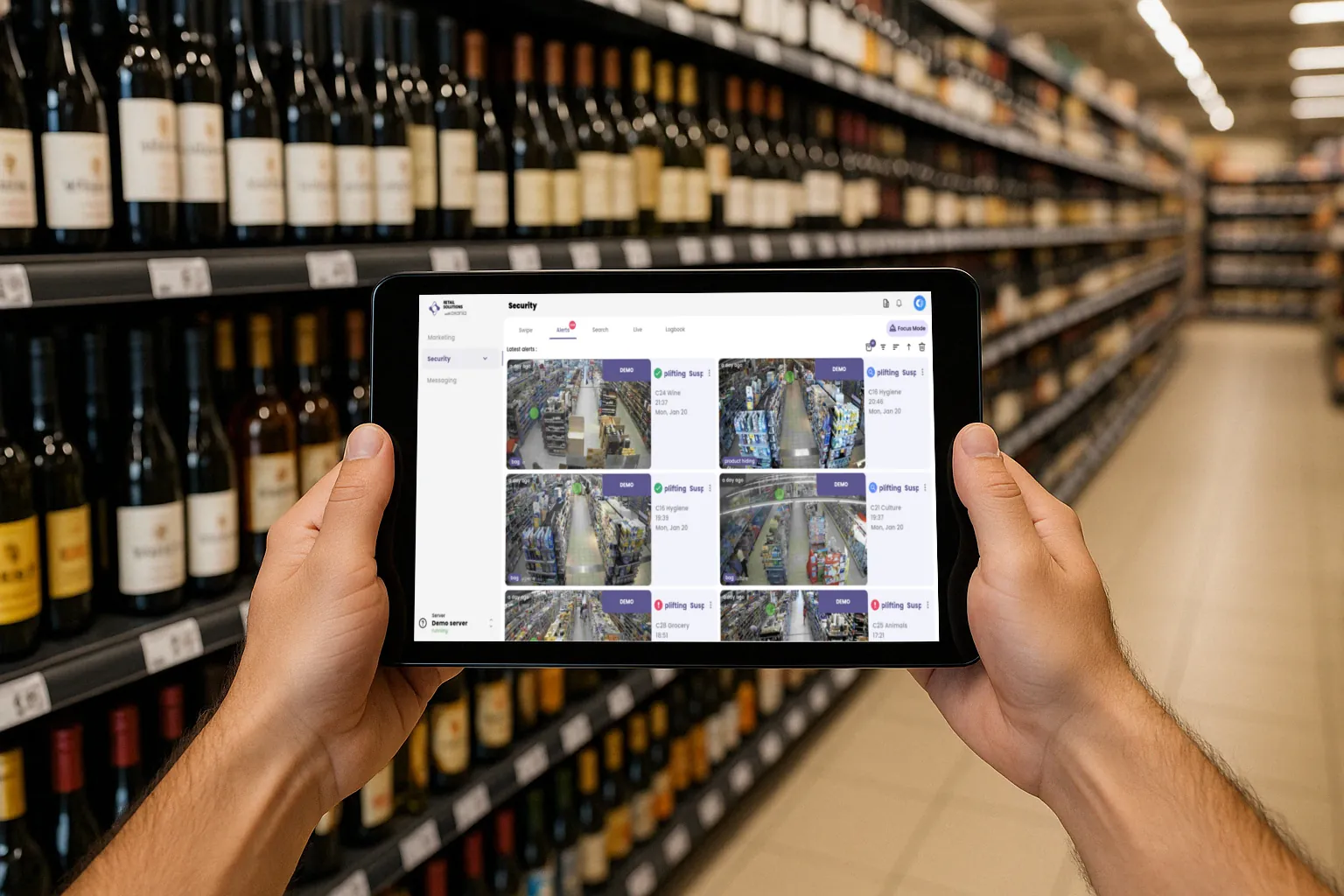
When a retailer announces the arrival of smart cameras, their teams rarely ask a technical question. Instead, they ask: "Is it going to watch me?" The question is legitimate, and a sales brochure doesn't answer it. To understand what vision AI really analyses in a store, the simplest approach is to follow the path of an image, from the camera to the notification, noting along the way everything the model ignores.
Video analytics remains little deployed in retail. In the ECR Retail Loss survey on video analytics in retail, conducted in 2024 among 70 retailers, mostly European and North American, the average usage rate of the analytics identified did not exceed 10%, and fell to 4% on the sales floor. In the absence of consensus in the industry, the same report offers a working definition of video analytics: a system that automatically interprets images to produce clearly defined and actionable results. Everything that follows comes down to those two words.
What "seeing" means for a vision AI
A camera sends a sequence of images. The model does not "understand" a scene the way an aisle employee would: it compares hand positions, objects and movements to categories it has learned. When what it observes matches one of them closely enough, it produces an event: a type of gesture, a zone, a time, a short video clip. Nothing more.
Everything then depends on the sharpness of the image. On a low-definition stream, a hand slipping a razor into a jacket pocket is reduced to a few blurry pixels, hence the value of video analysis on the high-resolution main stream. At Oxania, this main stream is processed on a dedicated GPU installed in the store: detection happens locally, the camera feed never leaves the site, and only the clips linked to an alert are kept, on servers located as close as possible to the customer's country.
A closed vocabulary of gestures, not a gaze on people
Applied to loss prevention, a gesture detection model works with a finite list of categories. On the theft side, these generally include:
- concealment of an item in a pocket, under clothing or in a personal bag;
- placing a product in a backpack, a handbag or a bag of uncertain nature;
- opening a package before checkout;
- consumption on the spot, drinking or eating an unpaid product;
- contextual elements such as a trolley, a stroller or a shopping bag, which help interpret the scene.
Some systems add a fall alert, useful for the safety of customers and teams rather than for merchandise. None of these categories says who is in the image. At-risk gesture detection focuses on an action, at a given moment, in a given zone.
What the AI does not do
The list of exclusions matters as much as the list of detections, and it is often what reassures teams. A gesture analysis AI designed within this framework:
- does not identify anyone: no facial recognition, no name, no database of individuals;
- does not track an individual from one aisle to another, or from one visit to the next;
- builds no profile: no age, no origin, no "at-risk" outfit. Statistics are read by zone and by time slot, not by person;
- does not infer intent: an at-risk gesture is not an offence, only a situation that deserves a human look;
- does not measure employees' work: no category relates to productivity, breaks or compliance with procedures.
With such a narrow scope, the tool remains easy to explain. You can say in a single sentence, to a sales assistant as well as to a customer, what triggers an alert, and that is precisely what makes it acceptable.
An alert is not a verdict: the decision remains human
A model is sometimes wrong. Take a customer who puts their glasses in their pocket right after picking up a pack of coffee: to the machine, the scene looks like concealment. The alert must therefore be treated as a question put to the team, never as a conclusion.
The European AI Act, in its Article 14 on human oversight, names the pitfall plainly: automation bias, the tendency to automatically or excessively rely on the output of the machine. It requires that the people assigned to oversight be able to disregard, override or reverse the output of the system. The text targets high-risk systems, but nothing prevents applying the same discipline to any tool that detects at-risk gestures.
In the field, the person who receives the alert looks at the clip, then chooses: do nothing, walk through the aisle, offer help to the customer or, once the situation is confirmed, take steps with the authorities. Agents and AI work together following a simple rule: technology detects, humans decide.
Transparency toward customers and employees
The OECD AI Principles, adopted in 2019 and updated in May 2024, count transparency, explainability and accountability among the five principles of trustworthy AI. In a store, this comes down to a few concrete habits:
- Explain before installing. Show teams what is detected, what is not, and who receives the alerts. Involve staff representatives where required.
- Write a usage rule. The tool is there to limit losses and protect people, not to evaluate staff: you might as well put it in black and white.
- Inform customers. Signage at the entrance is the operator's responsibility, as with their existing camera installation. A legible sign and a short, accessible notice are often enough to defuse concerns.
- Train people to read alerts. Check the clip, stay courteous, and never confront anyone on the strength of a notification alone.
- Review regularly. Go over dismissed alerts, adjust the covered zones, and share what you learn with the team.
Properly deployed, a vision AI looks less like an eye that judges than like a colleague with a very limited vocabulary: it flags gestures and leaves what happens next to those who know the store. The framework is best presented from the kickoff meeting, even before the equipment is installed. A team that knows what the tool looks at, and what it does not, really uses it, and that is when it starts to reduce shrinkage.